


Creating a home workspace that is both organized and productive can significantly improve your work-from-home experience. Whether you are a remote employee, freelancer, or simply need a dedicated area for personal projects, having a well-planned workspace helps reduce distractions and maintain focus. Here are some practical tips to help you design a home office that encourages efficiency and order.
Choose the Right Location
Selecting the ideal spot for your workspace is the first step toward productivity. Look for a quiet, well-lit area with minimal foot traffic, so you can concentrate without interruptions. If possible, choose a space near a window to take advantage of natural light, which can boost mood and reduce eye strain.
Invest in Comfortable Furniture
Comfort matters when you spend hours at your desk. Invest in an ergonomic chair that supports your back and encourages good posture. Your desk should be at a height that allows your elbows to rest comfortably when typing. Consider adjustable desks if you want the option to sit or stand during your workday.
Keep Your Desk Clutter-Free
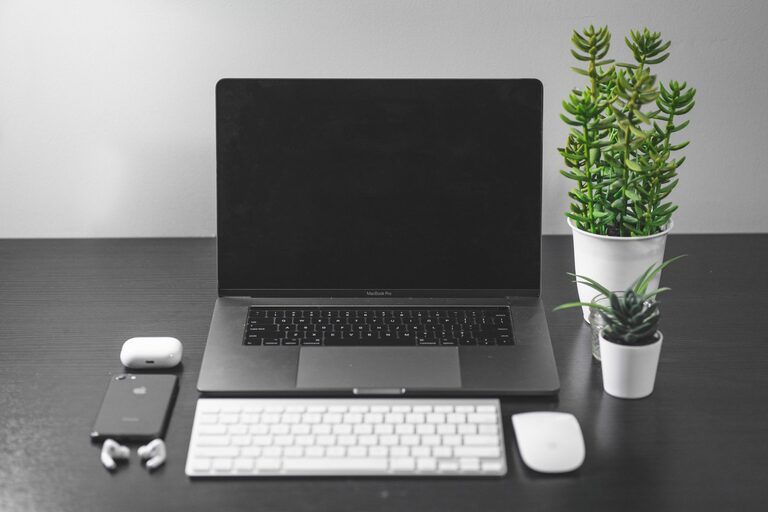
A cluttered workspace can distract you and affect your productivity. Try these tips to maintain a neat desk:
– Use organizers such as trays, pen holders, and file folders to keep essentials tidy.
– Store items you don’t use daily in drawers or shelves.
– Limit personal items to only a few meaningful decorations to avoid overcrowding the space.
– Make it a habit to clear your desk at the end of each day.
Organize Your Digital Workspace
Productivity isn’t just about physical space. A well-organized digital environment is equally important.
– Keep your computer desktop clean by creating folders for different types of files.
– Use apps for task management and note-taking to keep track of projects and deadlines.
– Regularly back up important documents to avoid data loss.
Optimize Lighting and Reduce Glare
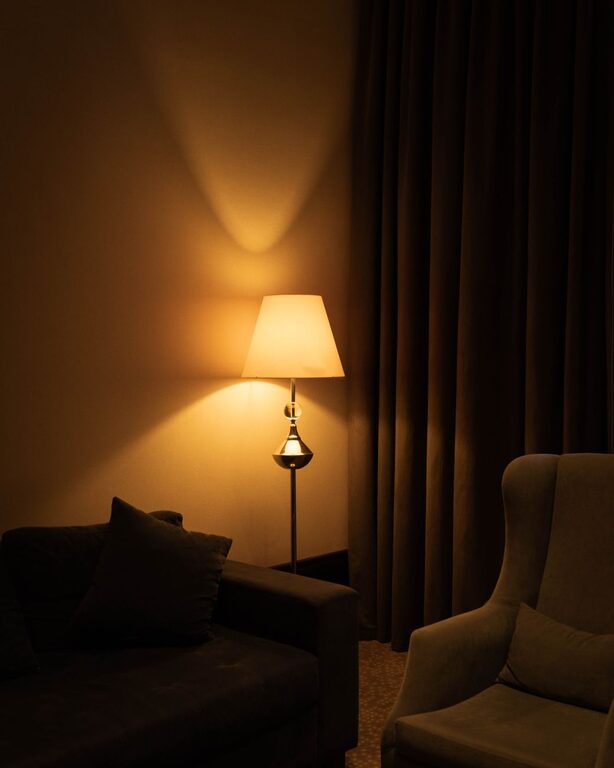
Good lighting improves visibility and reduces eye fatigue. In addition to natural light, an adjustable desk lamp can provide focused illumination for reading or detailed work. Position your screen perpendicular to windows to minimize glare and reflections.
Minimize Distractions
Home environments can be full of distractions. Here’s how to stay focused:
– Use noise-cancelling headphones or play background music to block out noise.
– Set specific work hours and communicate them with household members.
– Keep your phone on silent or in another room unless it’s necessary for work.
Personalize Your Space Mindfully
A few personal touches can make your workspace pleasant and motivating. Choose items that inspire you, like artwork, plants, or motivational quotes, but avoid overdoing it to maintain a clean, efficient environment.
Manage Cables and Tech Accessories
Messy cables can create visual clutter and cause frustration.
– Use cable clips, sleeves, or ties to bundle cords neatly.
– Label cables to identify devices easily.
– Place tech accessories like chargers and adapters in a designated drawer or box.
Establish Daily Routines
An organized workspace combined with routine habits can elevate productivity.
– Start your day by reviewing tasks and setting priorities.
– Take short breaks to stretch and refresh your mind.
– End your workday by tidying your space and planning for tomorrow.
Utilize Storage Solutions
Adequate storage helps keep your workspace orderly.
– Shelves, drawers, and filing cabinets offer space for documents and supplies.
– Vertical storage can save floor space and keep essentials within reach.
– Consider multi-purpose furniture, like desks with built-in storage.
—
Crafting a home workspace that fosters organization and productivity doesn’t require a large budget or a special room. By paying attention to your environment, habits, and tools, you can create a comfortable and efficient space that helps you do your best work every day.